

The tab as a note you never wrote down
Strip it back and a browser tab is really a memory aid. Instead of bookmarking a page, jotting the link somewhere, or trusting yourself to search for it again, you leave it open. The tab becomes a promise: I'll come back to this.
For a quick task, that works beautifully. The trouble is that the promises accumulate faster than you ever keep them. A morning of research, an afternoon comparing prices, a couple of work documents, a few things you're only half-watching, and suddenly one browser window is carrying five unrelated projects at once. The page you actually needed is in there somewhere, buried between a shopping cart you abandoned and a video you never finished. The system that felt so convenient at tab three has quietly stopped working by tab thirty.
Every open tab is a small tug on your attention
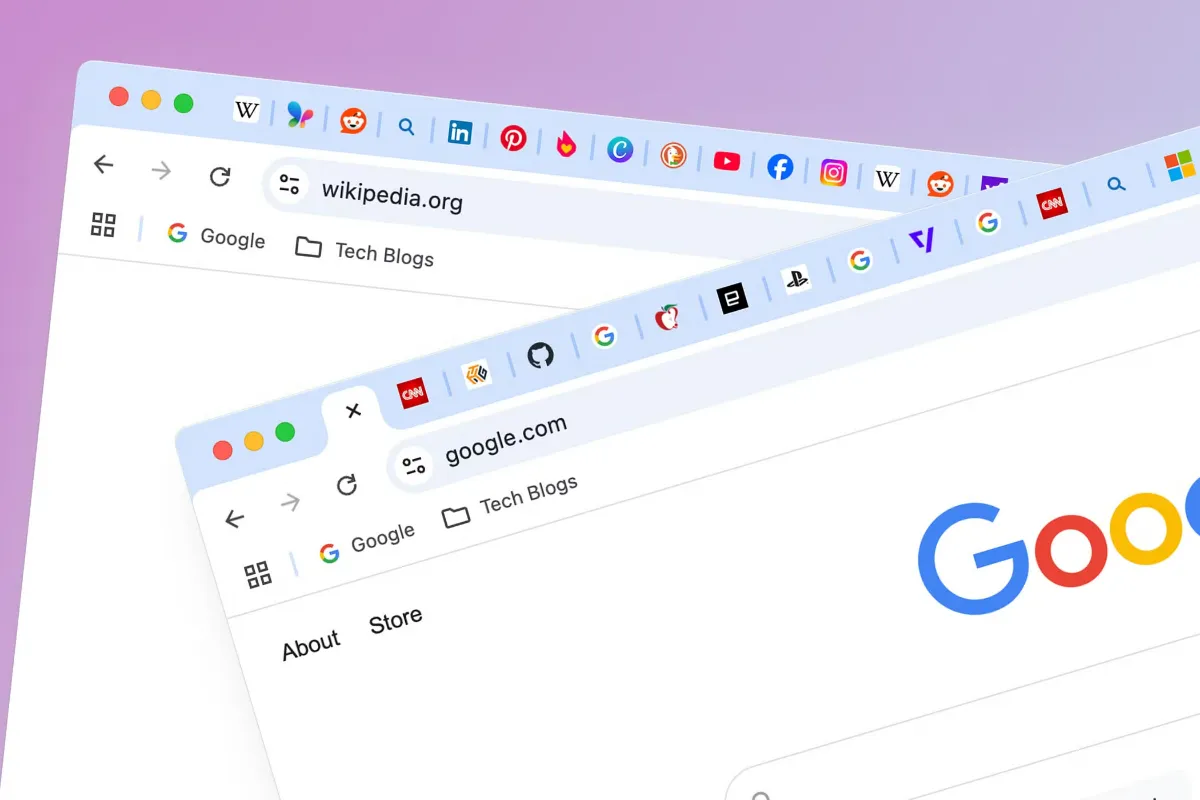
An overcrowded browser isn't only an eyesore. Each visible tab is another thread pulling at you, another unfinished thing sitting in your peripheral vision saying don't forget about me.
You've felt how this plays out. You sit down to write an email, spot the tab you opened earlier about weekend plans, click over "just to check," and ten minutes later you've lost the thread of what you were doing in the first place. That constant flicking between tabs feels like multitasking, but it mostly just stretches simple jobs out longer than they should take.
The counter to it is separation. Keeping distinct tasks in distinct windows, or leaning on your browser's built-in grouping, means the shopping tabs aren't sitting next to the work tabs, whispering for attention while you're trying to concentrate. Out of sight really does help keep them out of mind.
Does the tab pile slow your browser down?
Sometimes, yes. It's fair to say modern browsers handle this better than they used to. Many now quiet down inactive tabs, easing off the memory and processing they use while you're not looking at them, so a stack of dormant text pages isn't the drag it once was.
The exceptions are the busy tabs. A page running video, a live feed, a web app that keeps refreshing itself, or anything interactive can keep working in the background whether you're watching or not. Add a row of extensions and their own background activity, and the load adds up.
So if your browser starts feeling sluggish, the first move is refreshingly simple: close the tabs you're not using. If it's still heavy, restart the browser to clear things out, then take a minute to look over your extensions and drop any you no longer touch. Dull maintenance, but it works precisely because it's dull.
A cleanup routine that takes two minutes
You don't need an app or a system with a name for this. You need a couple of small reflexes.
The aim was never an empty browser, which would be its own kind of impractical. The aim is a browser that holds only what's useful right now, and lets the rest go somewhere it can be found later.
- Close what's finished.The moment a task is done, close its tabs. Not later, not "when I get to it", right then, before they blend into the background.
- Bookmark instead of hoarding.If a page is genuinely worth returning to, save it as a bookmark. That's what bookmarks are for, and it frees the tab without breaking your promise to come back.
- Group what's related.Tab groups let you gather pages by purpose, one cluster for work, one for research, one for shopping, one for whatever's personal, so a glance tells you where everything lives.
- Reset at day's end.Before you shut down, close anything you won't actually need tomorrow. Starting fresh beats inheriting yesterday's mess.
The clutter hiding inside the tabs
Here's the part that survives even a tidy tab bar. You can group, bookmark, and prune your way to a clean window, then open a single article and find the page itself is a mess.
Banners across the top. A video ad that starts talking to you. A pop-up angling for your email before you've read a sentence. Promotional boxes wedged between paragraphs, all of it competing with the words you actually came for. You did the organizing, and the individual page undid half the calm you built.
That's a different problem from too many tabs, and it needs a different fix, because no amount of tab discipline touches what's crowding the inside of a single page.
Where Total Adblock fits into a cleaner setup
This is the gap the Total Adblock Browser Extension is built to close. It's designed to reduce intrusive ads across many websites, so the banners, pop-ups, and video interruptions that clutter a page get thinned out and the content has room to breathe. It can also help block many web trackers, giving you a little more control over aspects of your privacy while you browse.
One thing to be clear about: Total Adblock isn't antivirus software, a malware remover, or a full cybersecurity solution, and it shouldn't be mistaken for one. It won't scan your device or defend against threats that dedicated security tools handle. What it does is cut advertising-related clutter, working alongside the tab habits and privacy settings you've already sorted out rather than standing in for any of them.
For anyone who juggles a dozen research topics at once or spends long stretches online, that quieter page makes a real difference. Fewer distractions inside each tab means the focus you fought for by trimming your tab bar actually holds.
